A markdown editor built for the Mac.

Medallion opens the .md files already on your disk. Code and diagrams render as you type. Live Share serves the open document from your Mac to whoever needs it, so no copy sits on anyone else's server.

macOS 26+ · Apple silicon · Free during the beta

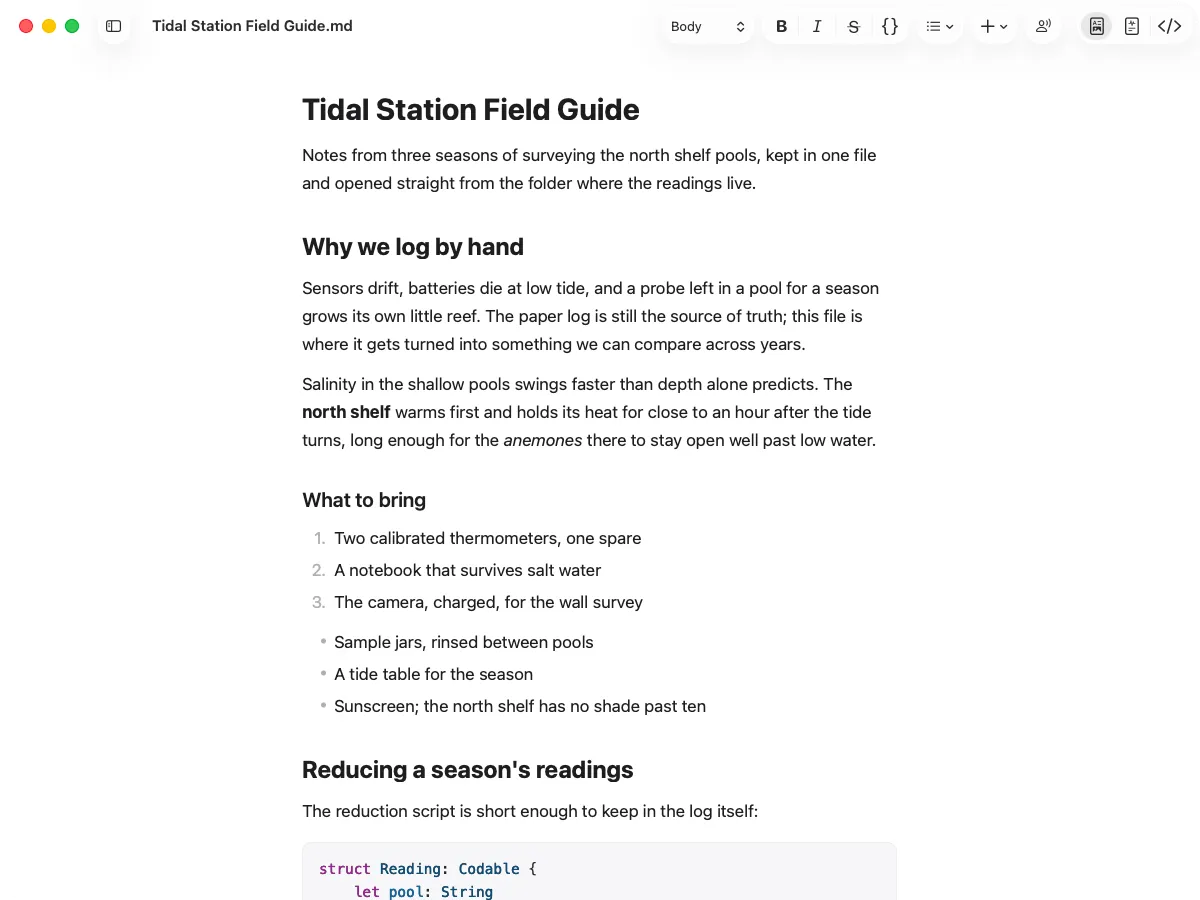
Medallion editing a markdown document in a native macOS window, with a rendered heading hierarchy, prose and a highlighted code block.

What you get

A native Mac app, made with care

The Medallion window showing the macOS titlebar and unified toolbar.

A real Mac app, built to be fast

Native menus, keyboard handling and windows, not a web page in a frame. It launches in about a second, scrolls at your display’s refresh rate, and holds a fraction of the memory an Electron editor takes for the same document.

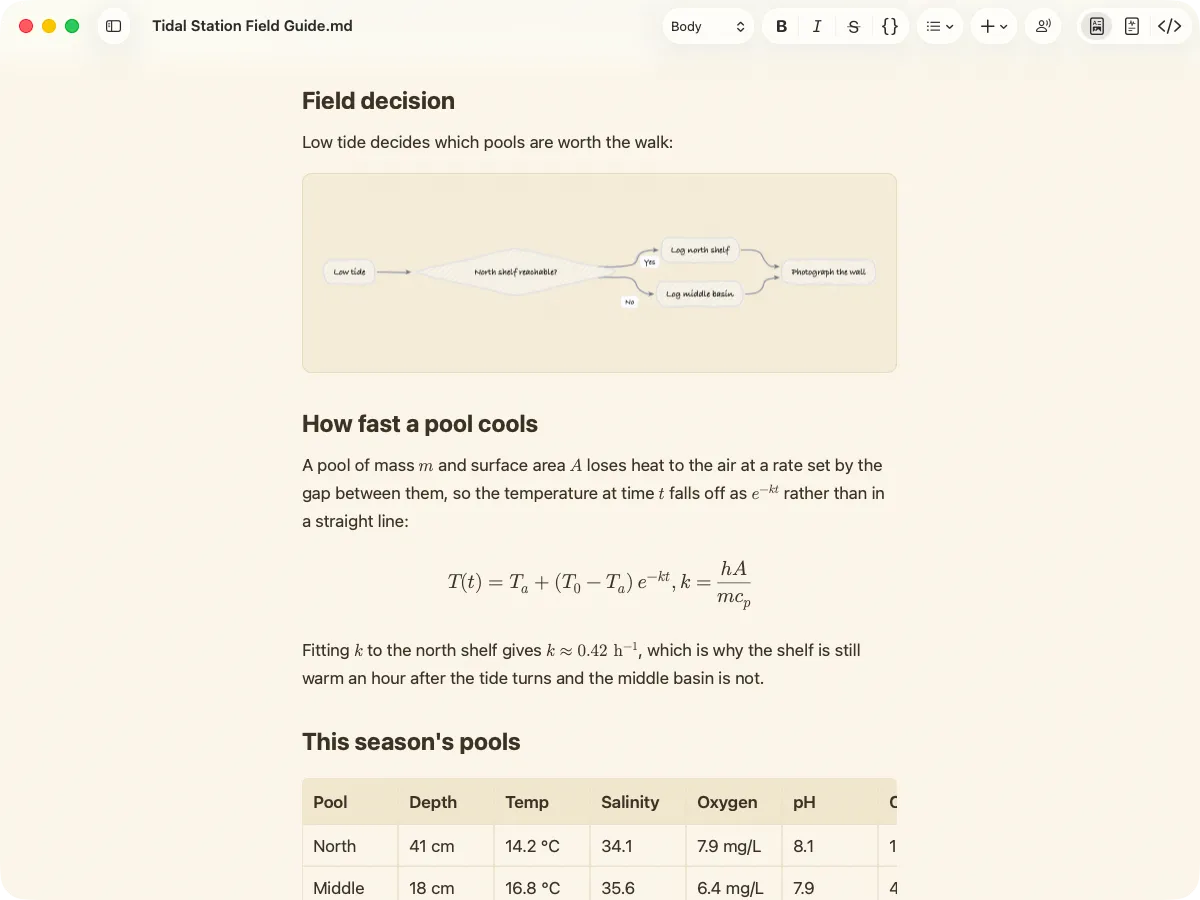
A Medallion document in the Sepia theme, with a Mermaid flowchart drawn in the hand-drawn Sketch style.

Make it look like yours

Pick from five themes, each a light and dark pair that follows your Mac. Set the fonts for body text, headings and code separately. Draw Mermaid diagrams in a clean Modern style or a hand-drawn Sketch style.

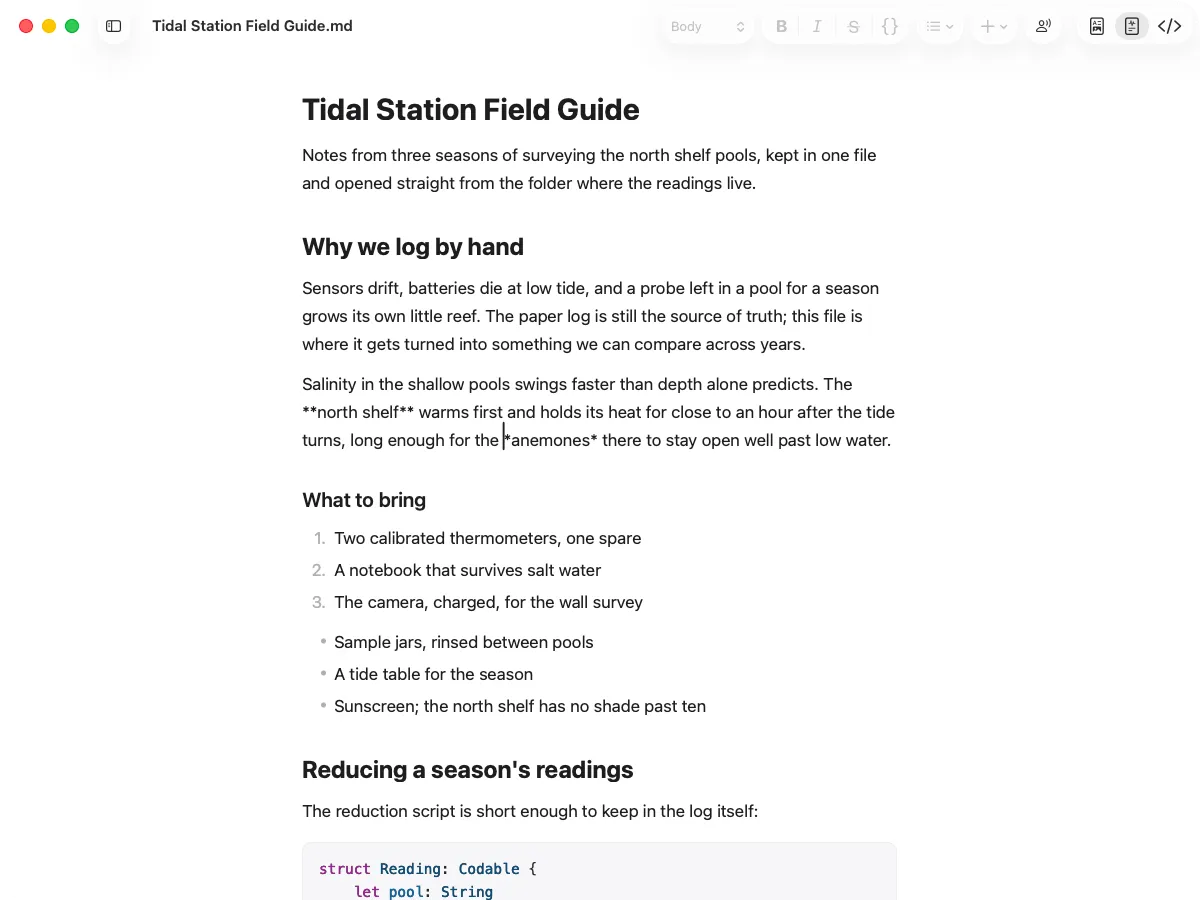
Hybrid mode in Medallion, with the asterisks of the paragraph under the caret showing and the rest of the document rendered.

Rich text, Hybrid or source

Rich Text hides the markdown and shows the page. Hybrid shows the markdown of the block under the caret and keeps the rest rendered. Markdown Source is the plain text. Switch with the control at the end of the toolbar. The file is the same in all three.

Code & diagrams

Fenced blocks render where you wrote them

Tag a fence with Swift, Python, TypeScript, Rust, Go or a dozen other languages and it gets highlighted. Tag it mermaid and the fence draws the diagram it describes. The file on disk keeps the text you typed, so any other editor opens it fine.

Double-click a diagram to see it full screen. Its menu copies it as an image, saves it as SVG or PNG, or opens the source for editing. Pick the clean Modern style or the hand-drawn Sketch style in Settings. A .mmd file opens as a document of its own, source and picture in one window.
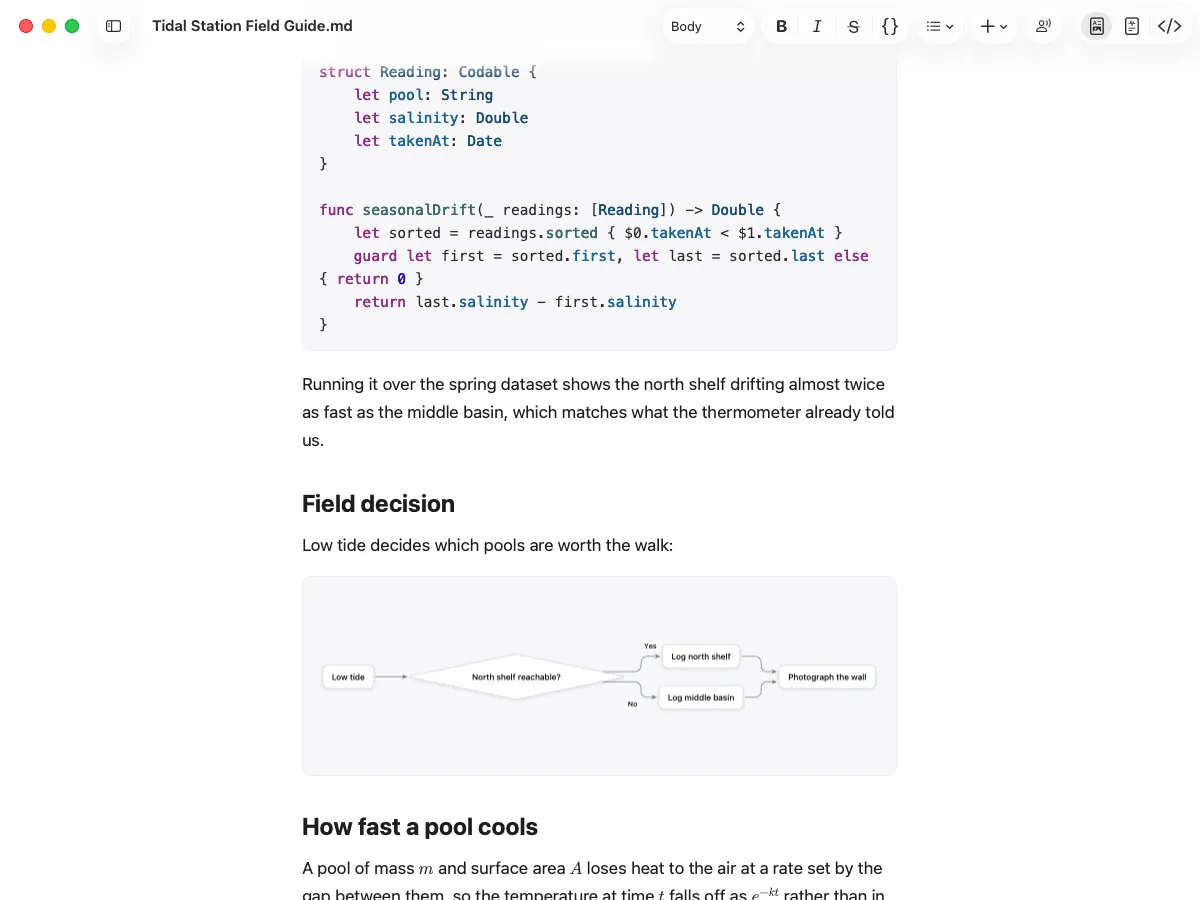

A Medallion document showing a rendered mermaid diagram and a syntax-highlighted Swift function inside ordinary prose.

Math

LaTeX renders where you wrote it

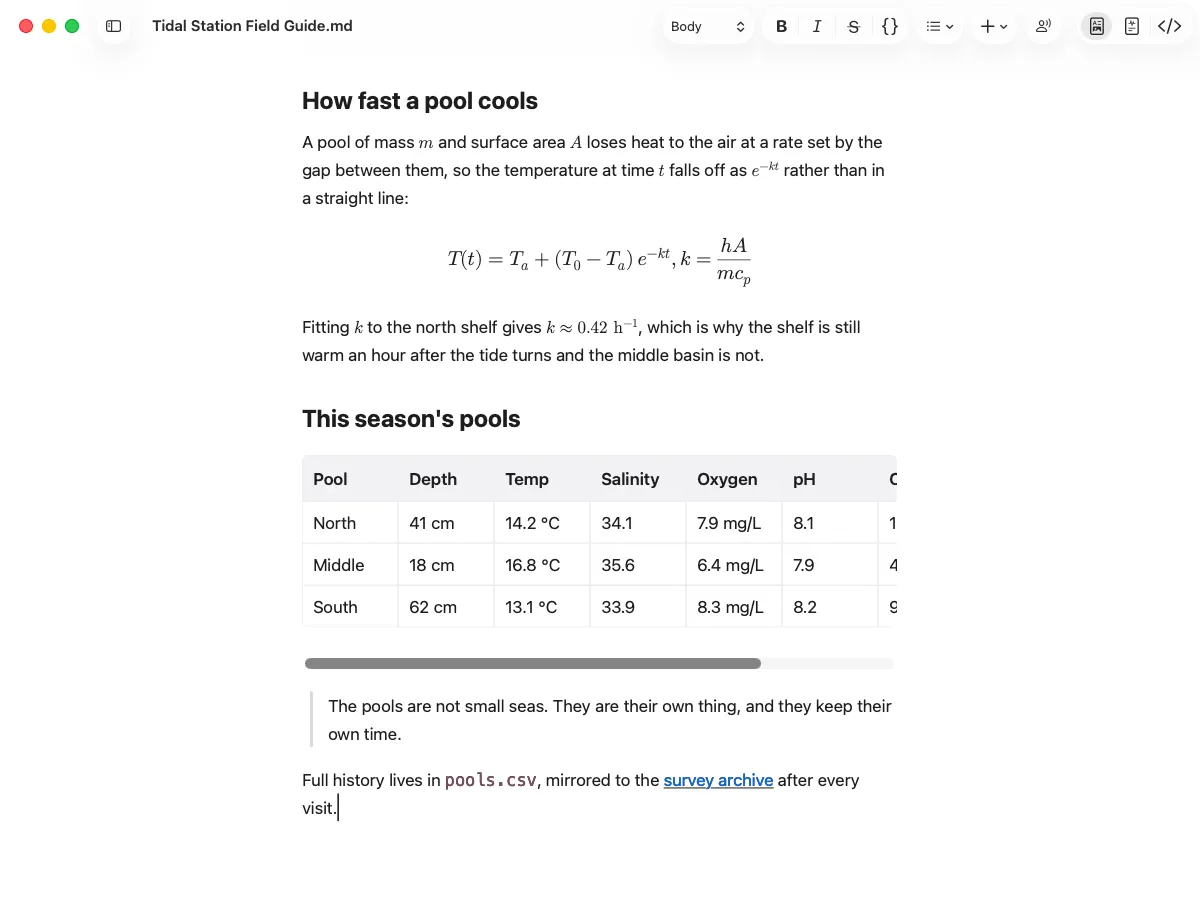
Wrap an expression in $ and it sets inline, in the middle of a sentence, at the size of the surrounding text. Put it between $$fences and it becomes a centred display equation with proper fractions, exponents and subscripts. The file keeps the LaTeX you typed.

A Medallion document with an inline variable in a sentence, a centred display equation for Newton's law of cooling, and a wide table of pool readings that scrolls sideways.

Live Share

Share a document without uploading it

Send someone the link and they can read the document. The link works only while you are sharing it, and the file never leaves your Mac.

How a Live Share session is connectedYour Mac holds the open document. It and each browser peer contact a relay only to find each other. The document travels directly between them and never reaches the relay.Your MacMedallion, document openthe only hostRelayintroduces the peersno key, no copyBrowser peeropens your linkBrowser peerreading, livesignalling onlydocument, peer to peer, end-to-end encrypted

Share the document you already have open

Turn sharing on and you get a link. The recipient opens it in any browser, with nothing to install and no account to make. Mermaid diagrams arrive already drawn.

Nothing is uploaded

Your Mac serves the document. The service in between only introduces the two peers and relays bytes it has no key for, so it cannot read or keep what you wrote.

They read, you write

Every share is read-only. Up to four people can open the link at once and watch the document change as you type it, keystroke by keystroke. Nothing they do can reach your file.

Close the document and the link is dead

Switching sharing off, closing the file or quitting the app kills every copy of the link. There is no dashboard to clean up and nothing left on a server to leak later.

Try the beta

Open a folder of markdown you actually use. That is the test that tells you whether it is any good.

Join the Beta on TestFlight

macOS 26+ · Apple silicon · Free during the beta